Tutorial
How to Animate Pictures Like a Wizard: Top Tools and Tips Revealed!
April 24, 2024

Animagen Team
1,800 words

The 3D zoom effect is one of the most popular visual techniques on social media today, adding depth and dynamism to photos and videos. Whether you're a content creator enhancing your TikTok posts or a marketer creating eye-catching ads, mastering the 3D zoom can significantly elevate your content. In this guide, we'll show you how to create this effect using CapCut and several powerful alternatives.
The 3D zoom effect transforms static images into dynamic visuals by creating the illusion of depth through parallax motion. This effect simulates a camera moving through a scene, making foreground elements appear to move faster than background elements — just like real 3D perception. The effect is particularly popular on platforms like Instagram Reels and TikTok, where it can make ordinary photos look like they were captured with professional 3D cameras.
First, download the app or use the online editor at capcut.com. Create a free account to get started. The steps are nearly identical across mobile and web versions.
Tap "New Project" and select the media you want to apply the 3D zoom effect to. For best results, choose images with clear foreground and background separation.
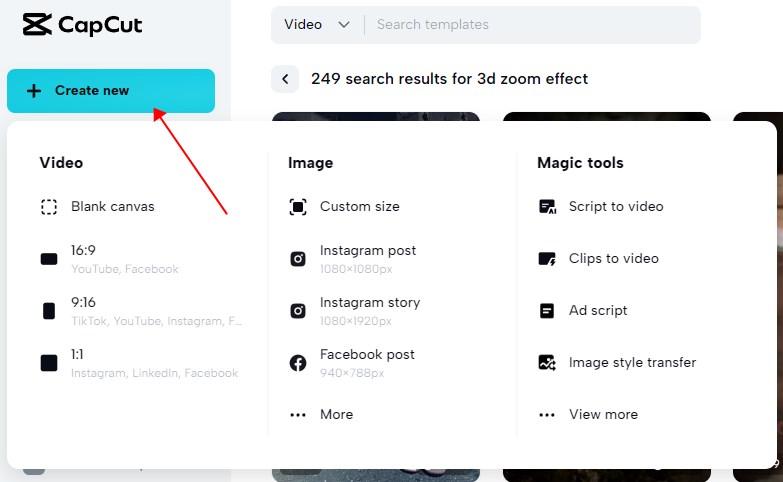
Tap on your media clip, navigate to the "Effects" tab, and search for "zoom" in the Video effects section. Click on the effect to apply it to the timeline. Preview by hitting the Play button.
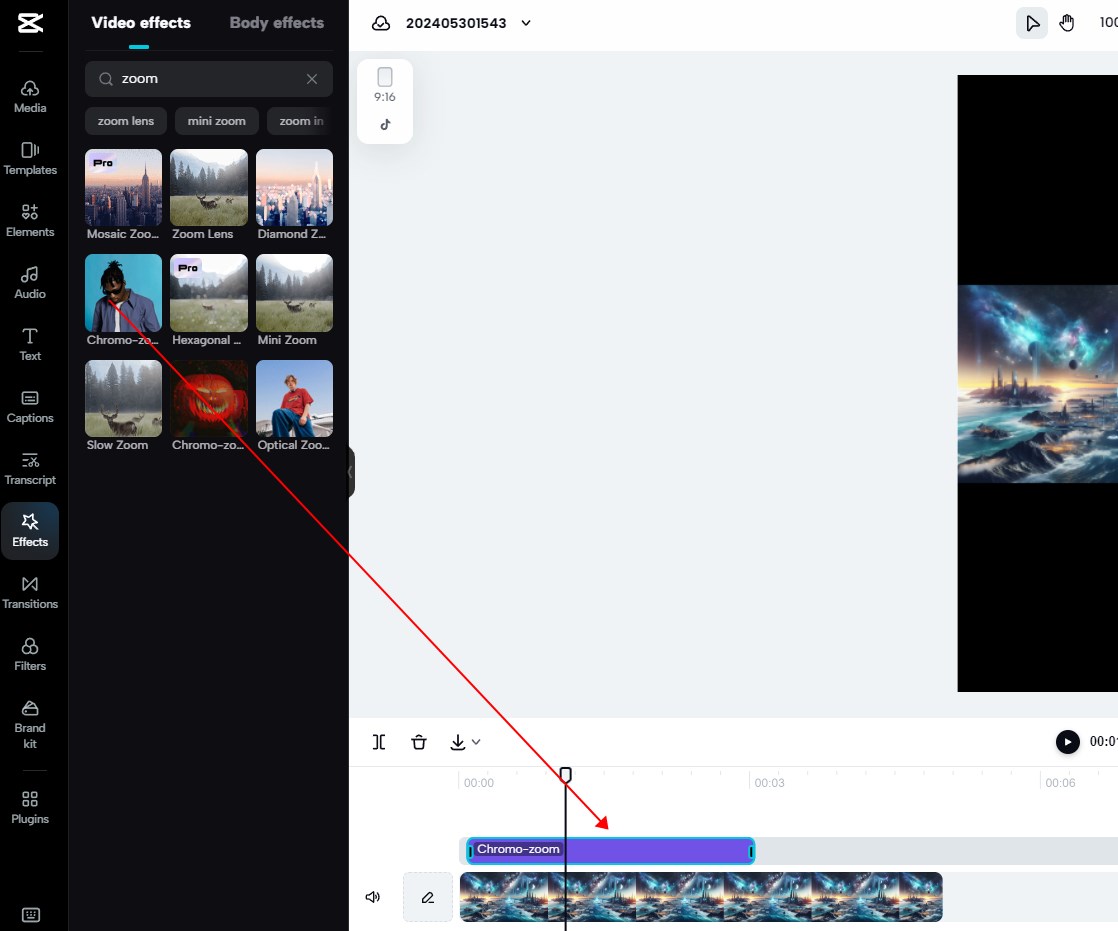
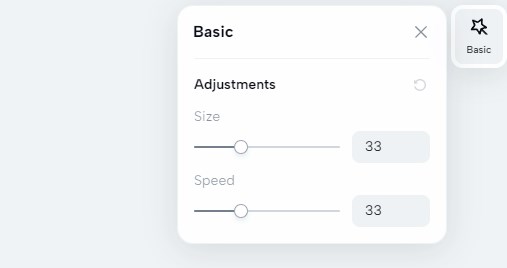
Double-click the effect to adjust size and speed parameters. Subtle adjustments often produce more natural-looking results than dramatic ones.
Tap "Export" and choose your desired resolution. For social media, 1080p is typically sufficient.
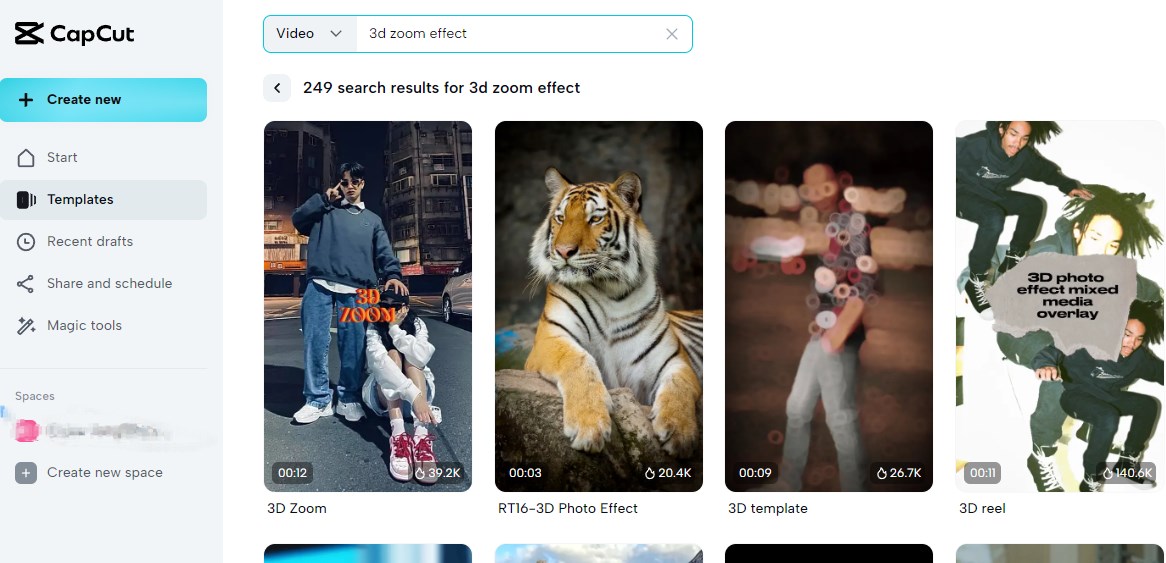
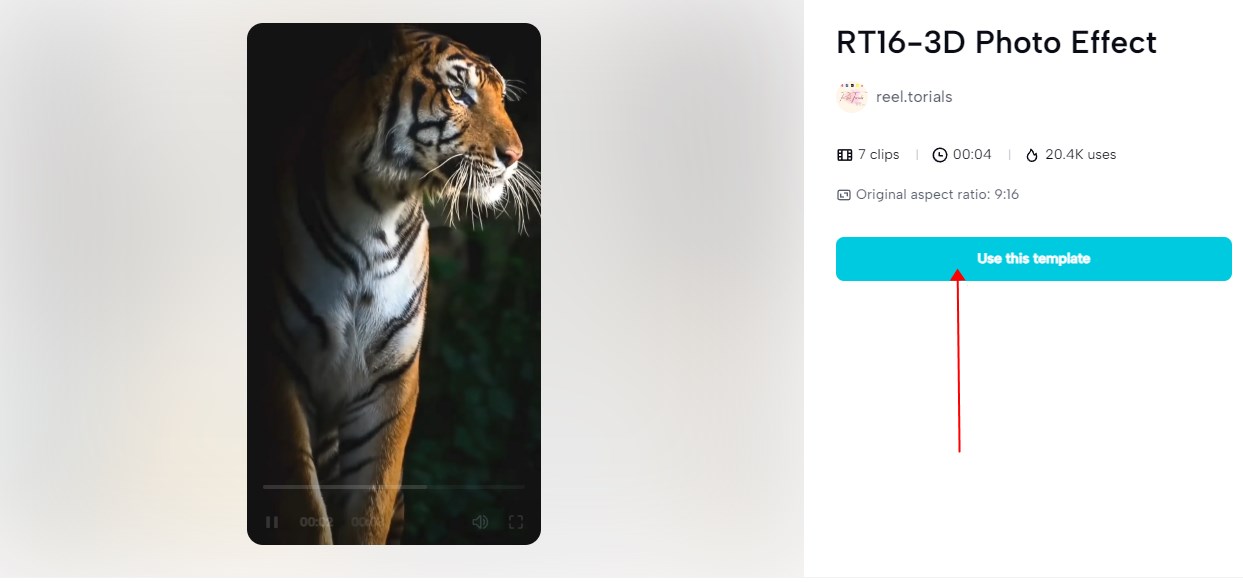
Templates offer a faster workflow. In CapCut, go to the "Templates" section on the Dashboard and search for "3D Zoom." Select a template, import your photos, and customize as needed.
If you prefer not to use CapCut, here are excellent alternatives:

Animagem offers a streamlined online workflow for creating 3D zoom effects without downloading any software. Here's how:
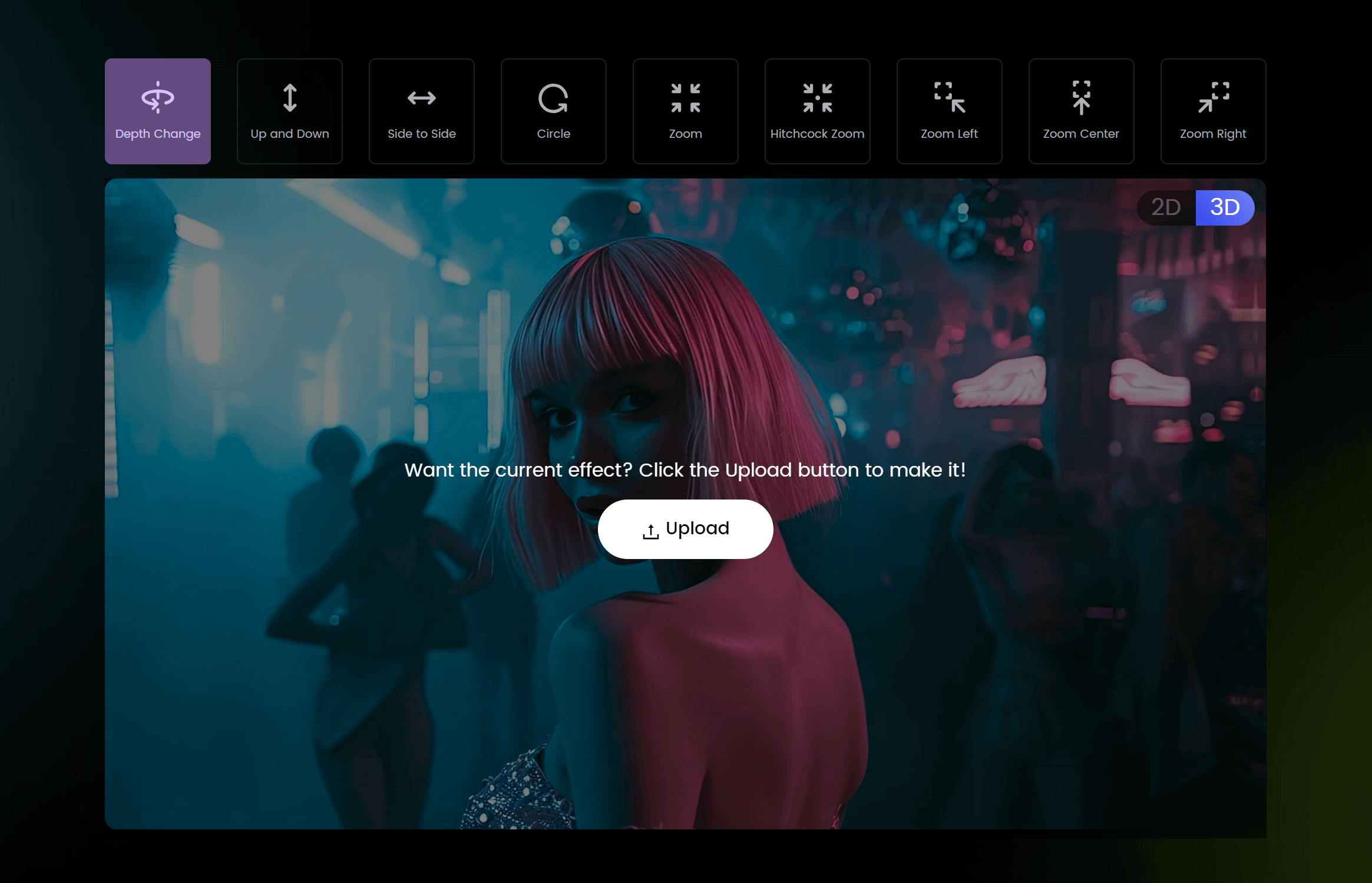
DaVinci Resolve is a professional video editing software available for free. To create the 3D zoom effect:
Ensure you have the latest version of CapCut installed. Check your internet connection if you're using online templates. Try clearing the app cache.
If the effect looks choppy, try reducing the zoom speed or using higher quality source images. A minimum resolution of 1080p is recommended.
The 3D zoom effect is a powerful technique for making static content feel dynamic and engaging. Whether you use CapCut for its accessibility and templates, Animagen for instant AI-powered results, or DaVinci Resolve for professional-grade control, you have plenty of options. Start with high-quality source images, keep the effect subtle, and always preview your work before publishing.
Transform any 2D image into a stunning 3D animation in seconds. No design skills required. Export as GIF or MP4 up to 4K.