Photo Animation Maker Online
Animagen is a revolutionary photo animation maker that transforms static 2D images into lifelike 3D animations using advanced AI technology. Simply upload your photos, choose preset effects, and generate stunning 3D animations in minutes.
Get Started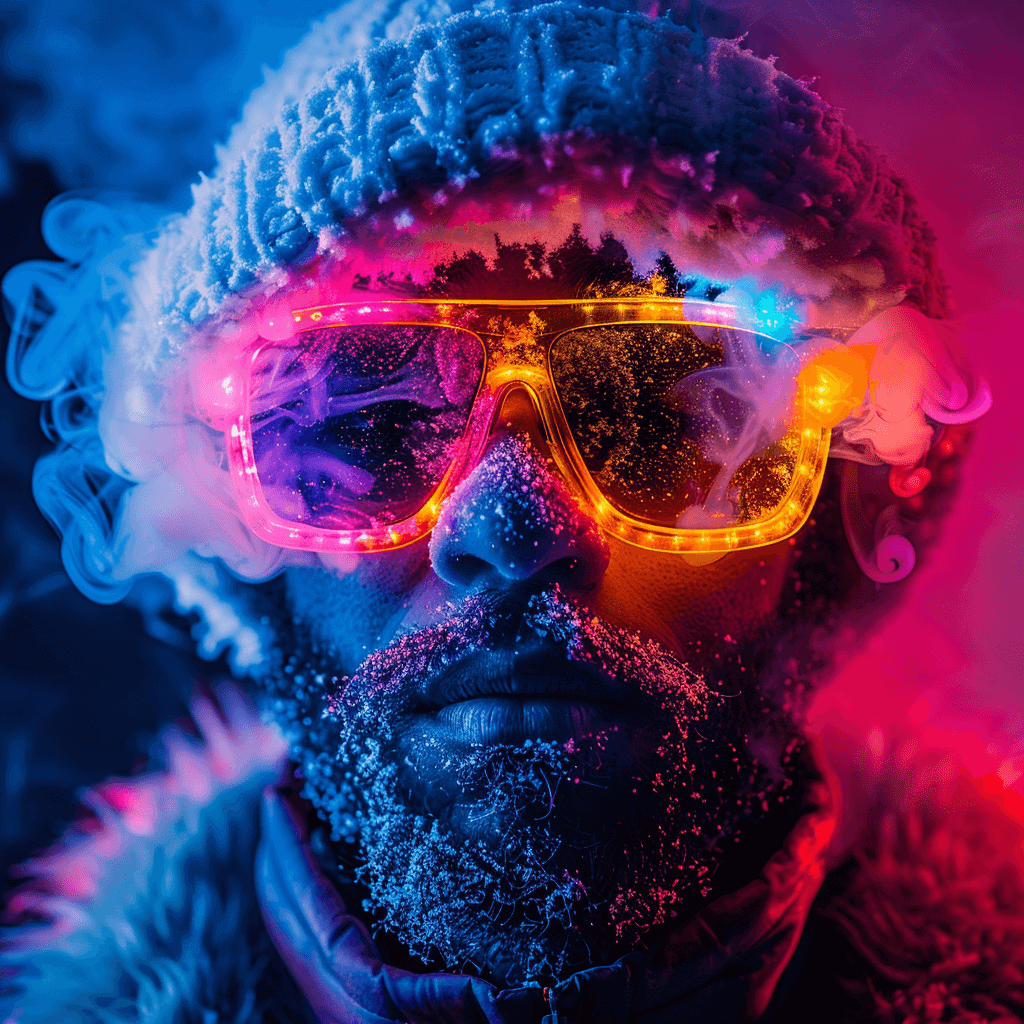
Steps to Transfer Photo to Animation
Choose Animation Effects
After logging in, choose the built-in animation effects. No need to adjust the complex parameters, Animagen's advanced AI technology converts 2D pictures into eye-catching 3D animations automatically.
Upload Your Photos
Select the desired dynamic effect, then upload your image. Animagen supports a variety of formats, including PNG, JPG, and WEBP.
Export Your Creation
When you're satisfied with your creation, export it in your desired format. Options typically include MP4 or GIF, making it easy to share your animations on social media or embed them in websites.
Why Choose Animagen Photo Animation Maker
Engaging Content
Dynamic content is proven to capture attention and increase engagement. With a photo animation maker like Animagen, you can turn ordinary photos into captivating animations that stand out on social media and other platforms.
Versatility
Whether you're working on a marketing campaign, a film project, or a personal slideshow, these tools can help you create stunning visuals that elevate your work. Animagen's multiple motion effects allow for a variety of dynamic animations, enhancing your visual storytelling.
Professional Results
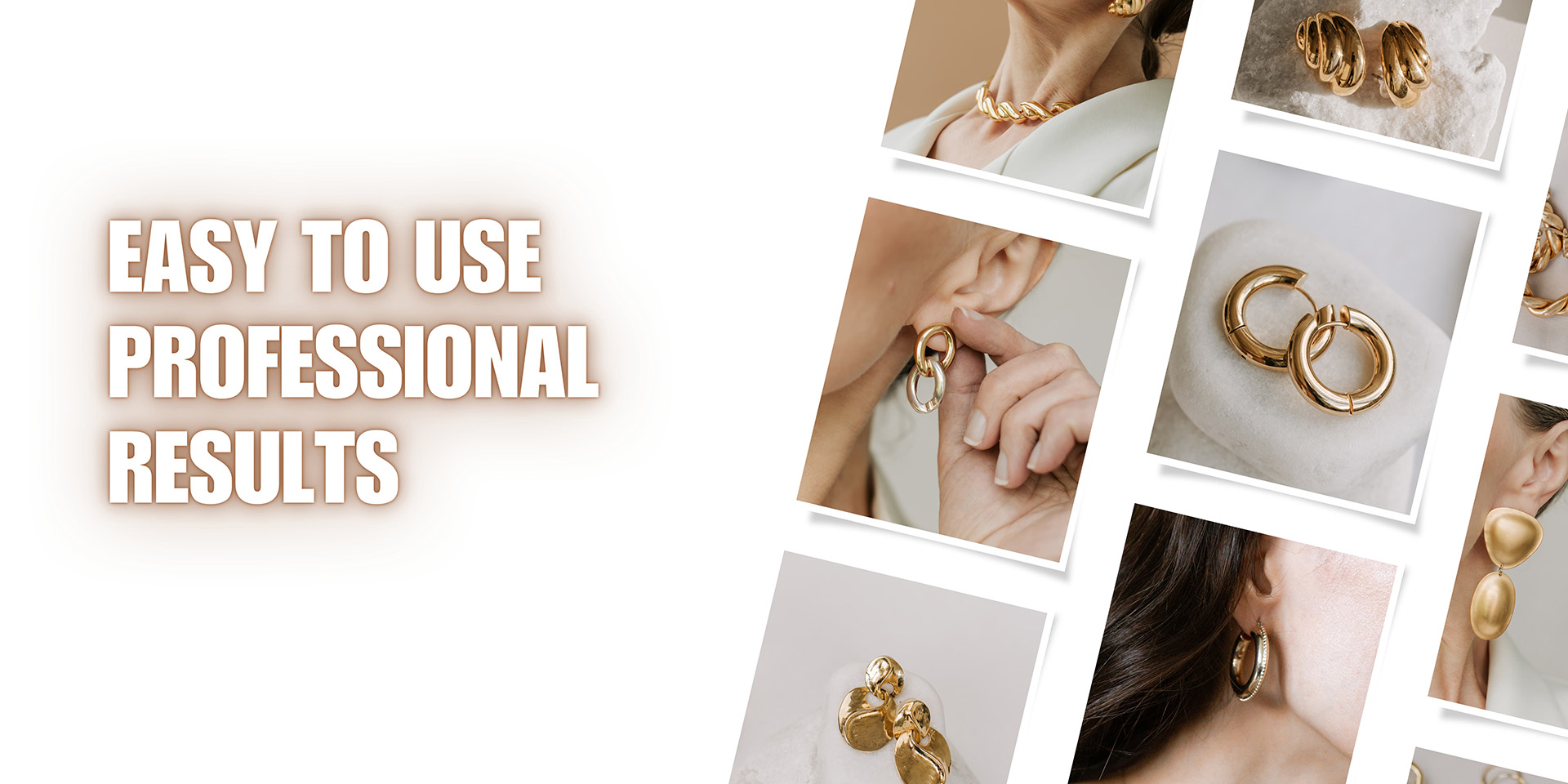
Achieving professional-quality animations doesn't require professional skills. With the right tools, anyone can create high-quality animations that look like they were made by a pro. Animagen's intuitive interface ensures that even beginners can create stunning animations in minutes.
FAQs About Animagen Photo Animation Maker
1. Social Media
Posts and Stories: Animated photos stand out on platforms like Instagram, Tiktok, and YouTube Shorts, grabbing attention and increasing engagement. Ads: Use animated visuals in social media advertisements to make your ads more compelling and effective.
2. Marketing and Advertising
Email Campaigns: Incorporate animated photos into email newsletters to make them more visually appealing and interactive. Web Banners: Use animations in web banners and online ads to attract clicks and drive traffic to your site.
3. Website Design
Landing Pages: Enhance your landing pages with animated images to create a more dynamic and engaging user experience. Product Pages: Show off your products in a more interactive and engaging way by using animations.
4. Personal Projects
Family Albums: Animate your favorite family photos to create dynamic digital photo albums. Creative Projects: Use animated photos in your art projects, blogs, or personal websites to add a creative touch.
5. E-commerce
Product Displays: Enhance product images with animations to give customers a better view and understanding of the product. Interactive Catalogs: Create interactive digital catalogs with animated photos to showcase your products in a more engaging way.
6. Educational Content
Online Courses: Use animated photos in your online courses and tutorials to make the content more engaging and easier to understand. Infographics: Enhance infographics with animations to make data visualization more dynamic and interesting.
1. Image Quality: Choose high-resolution photos to ensure smooth and detailed animations. Higher quality images will provide better results.
2. Clear Subject: Select photos with a clear and distinct subject. Images with well-defined subjects are easier to animate and produce more compelling results.
3. Background Simplicity: Opt for photos with simple backgrounds. Complex backgrounds can distract from the main subject and complicate the animation process.
4. Audience and Platform: Consider your audience and the platform where the animation will be displayed. Tailor your animation style to suit the preferences of your audience and the technical requirements of the platform.
Refunds are only applicable to unused credits, due to the costs associated with server usage. If you require a refund, please feel free to contact us.
1. Upload formats: PNG, JPG, JPEG, WEBP
2. File size restriction: Maximum limit of 10MB
3. Export formats: MP4 and GIF
4. Resolution: Up to 4K
Yes, you can use Animagen for commercial projects, as long as you have the necessary rights or permissions to use the original images.
Specifically:
If you own the copyright to the original images, or the images are licensed for commercial use (such as images you've taken or created yourself, or images generated by AI tools like Midjourney), then you can use them for commercial purposes through Animagen.
If you have downloaded images from free stock image websites, you'll need to ensure they are licensed for commercial use before using them in your commercial projects through Animagen.
The key is making sure you have the proper rights and permissions to use the original images, whether they are your own creations or licensed content. As long as that condition is met, you are free to leverage Animagen's capabilities for your commercial projects.
Let's Convert 2D Pictures into Eye-Catching 3D Animations
with No Effort
Ready to Bring Your Images to Life?
Upload your photo and create stunning 3D animations in seconds. No skills required.
Get Started