Tutorial
How to Create 3D Zoom Effect With or Without CapCut
April 24, 2024
Animagen Team
2,200 words
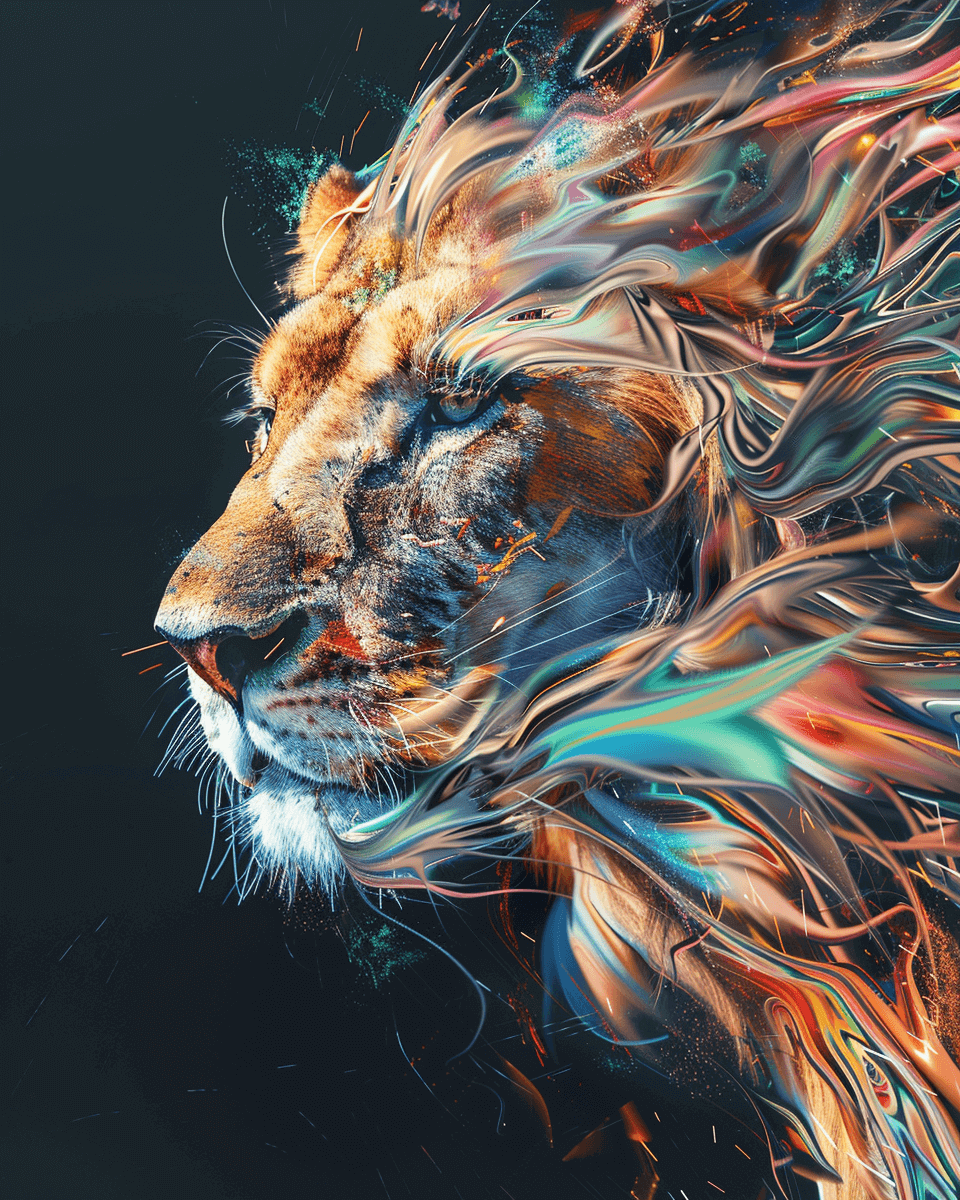
Animating pictures can bring your images to life, adding a dynamic touch to your social media posts, marketing materials, or personal projects. Whether you're a professional designer or just getting started, learning how to animate pictures opens up a world of creative possibilities. In this comprehensive guide, we'll explore various tools and techniques to help you animate pictures like a pro, drawing on our experience testing dozens of animation tools at Animagen.
Picture animation involves creating motion or transforming static images into dynamic visuals. This can range from simple GIFs to more complex animations like cinemagraphs and animated videos. Here's a quick breakdown of the different types:
GIFs: Short, looping animations that are easy to create and widely used on social media. GIFs support up to 256 colors and work on virtually every platform.
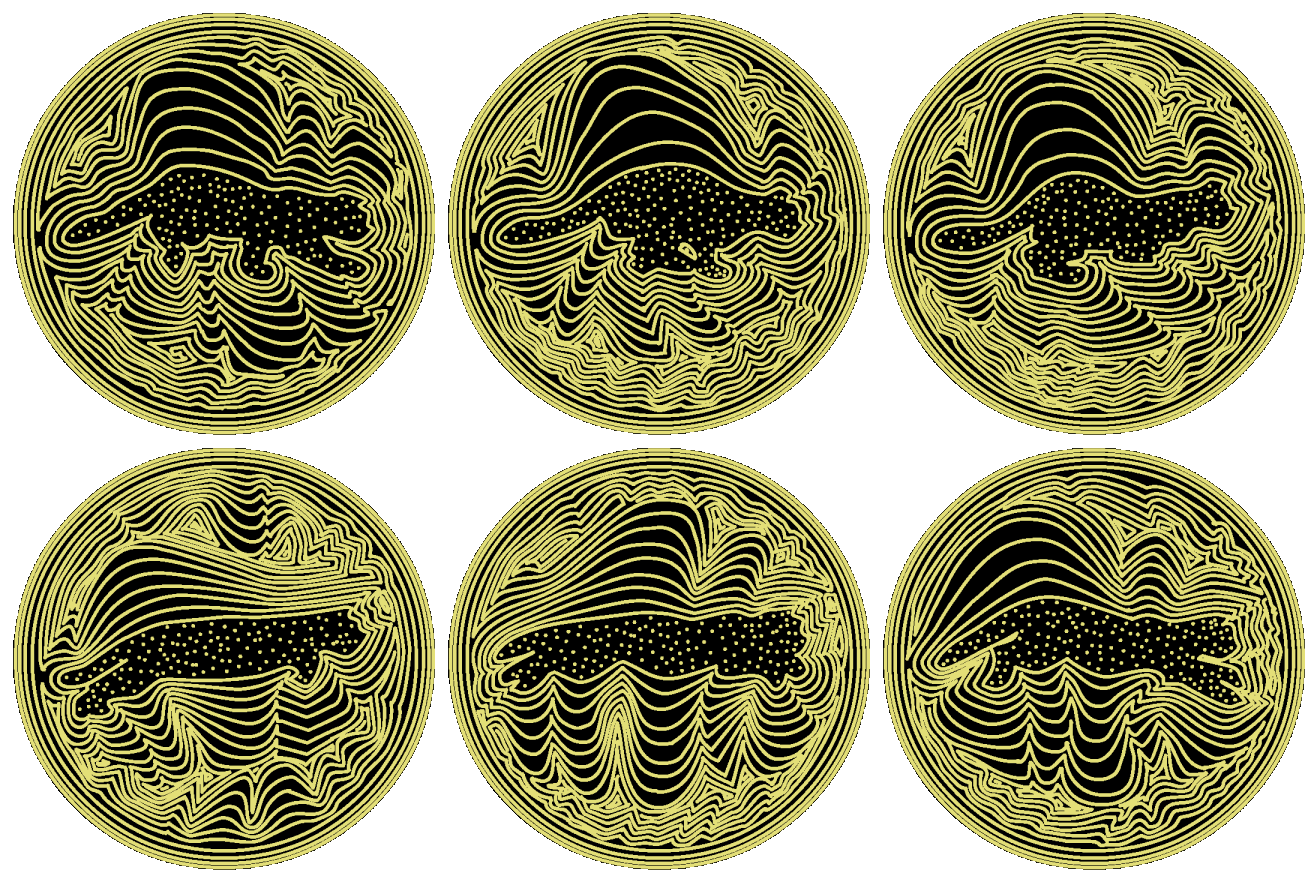
Source: tenor.com
Cinemagraphs: These combine still photography with subtle motion, creating a mesmerizing effect where only a portion of the image moves.
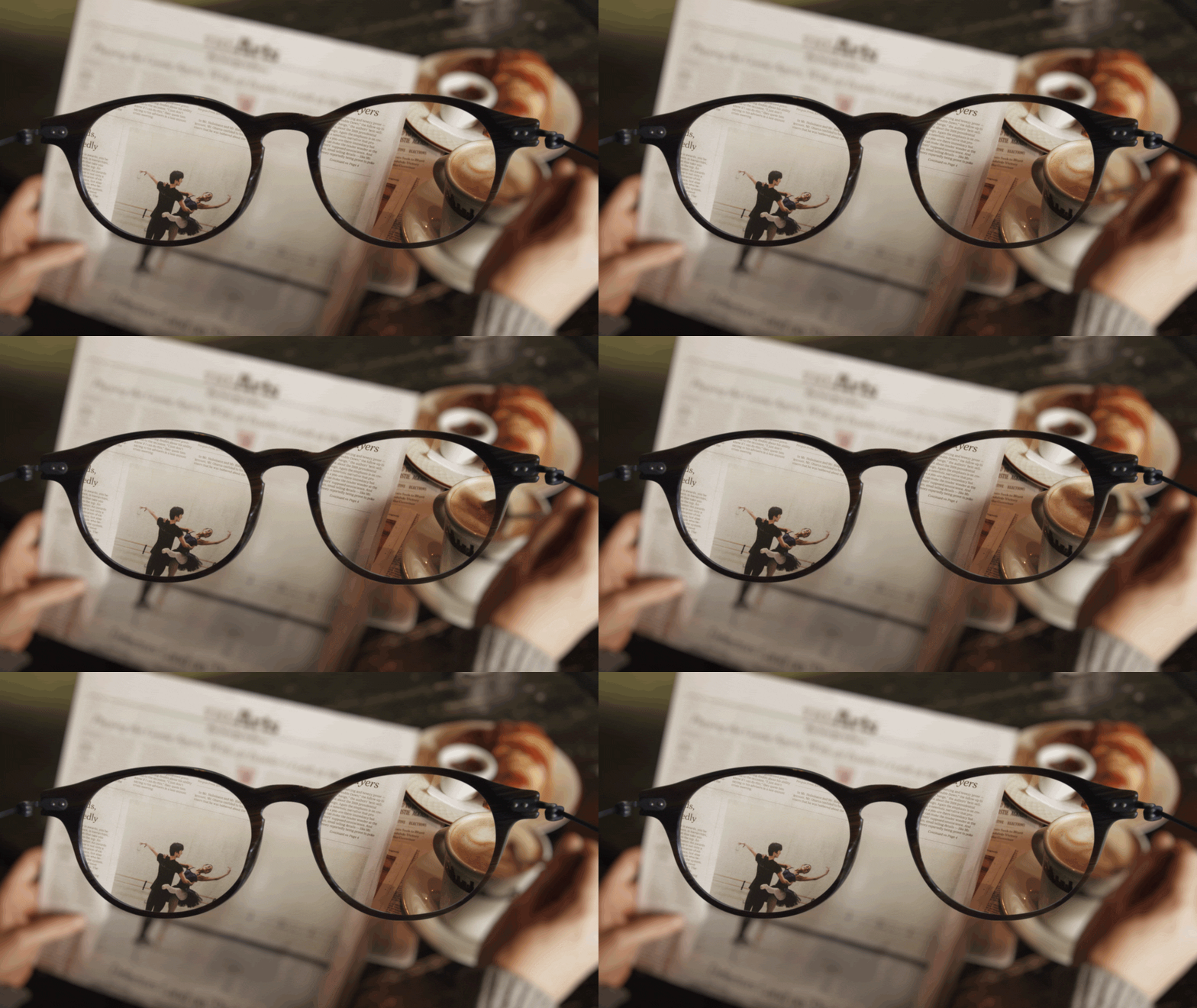
Source: cinemagraphs.com
3D Photo Animations: These use AI-powered depth mapping to create a sense of three-dimensionality from a flat 2D image, producing parallax and motion effects that simulate 3D movement.
There are numerous tools available for animating pictures, each with its own strengths. Based on our extensive testing, here's a look at some of the best options:
Animagen is an AI-powered image converter that transforms 2D images into lifelike 3D visuals. It's designed to enhance photos by adding depth and motion, making them more engaging and visually striking. Animagen is user-friendly and does not require any professional photo editing skills. Users can simply upload their images, select from preset effects, and quickly generate 3D images that can be downloaded as GIFs or MP4s.
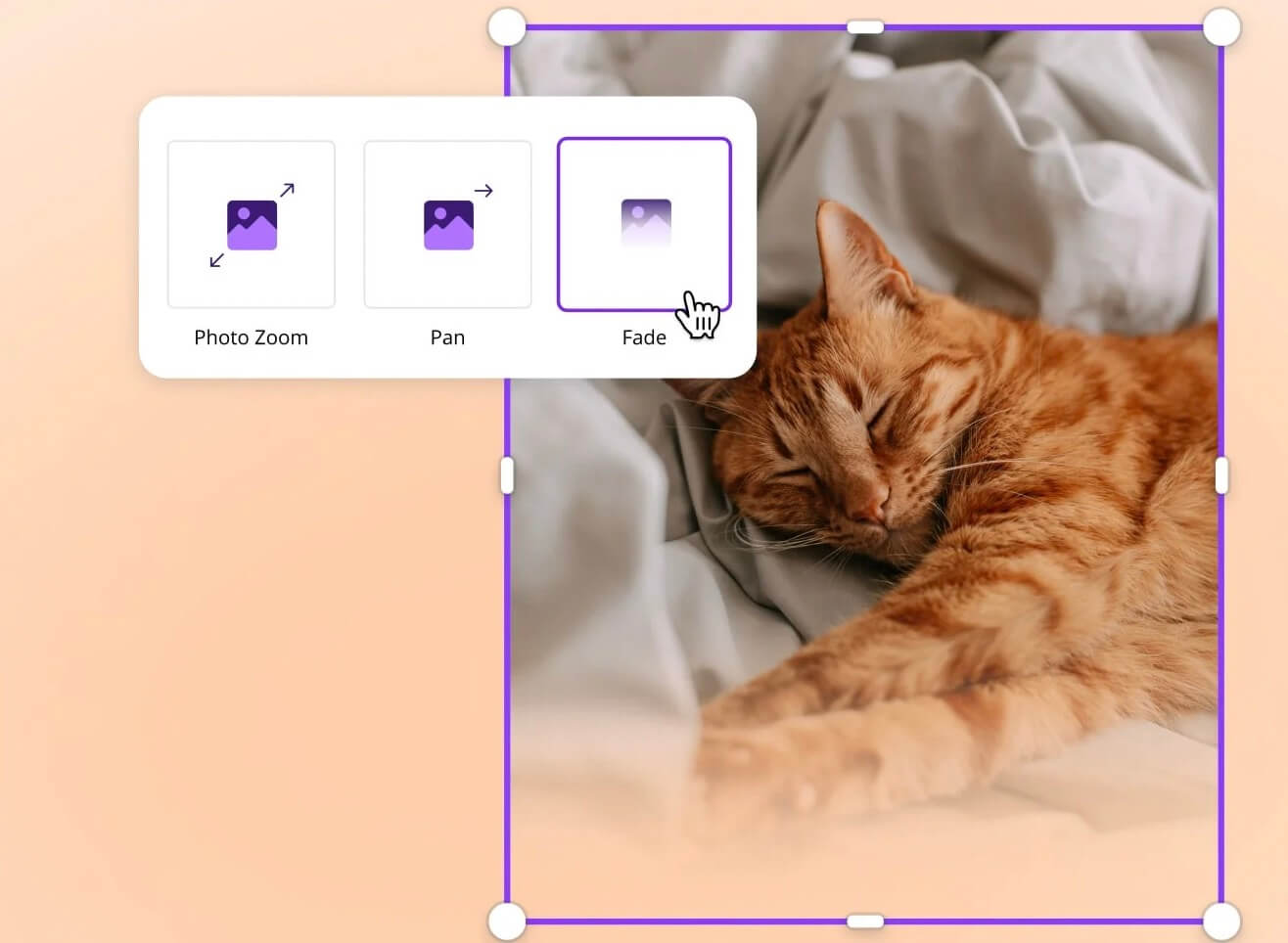
Canva is a user-friendly online design tool that includes photo animation capabilities. It's perfect for beginners and offers a variety of templates and pre-built animation effects. The platform also supports team collaboration and brand kit management.
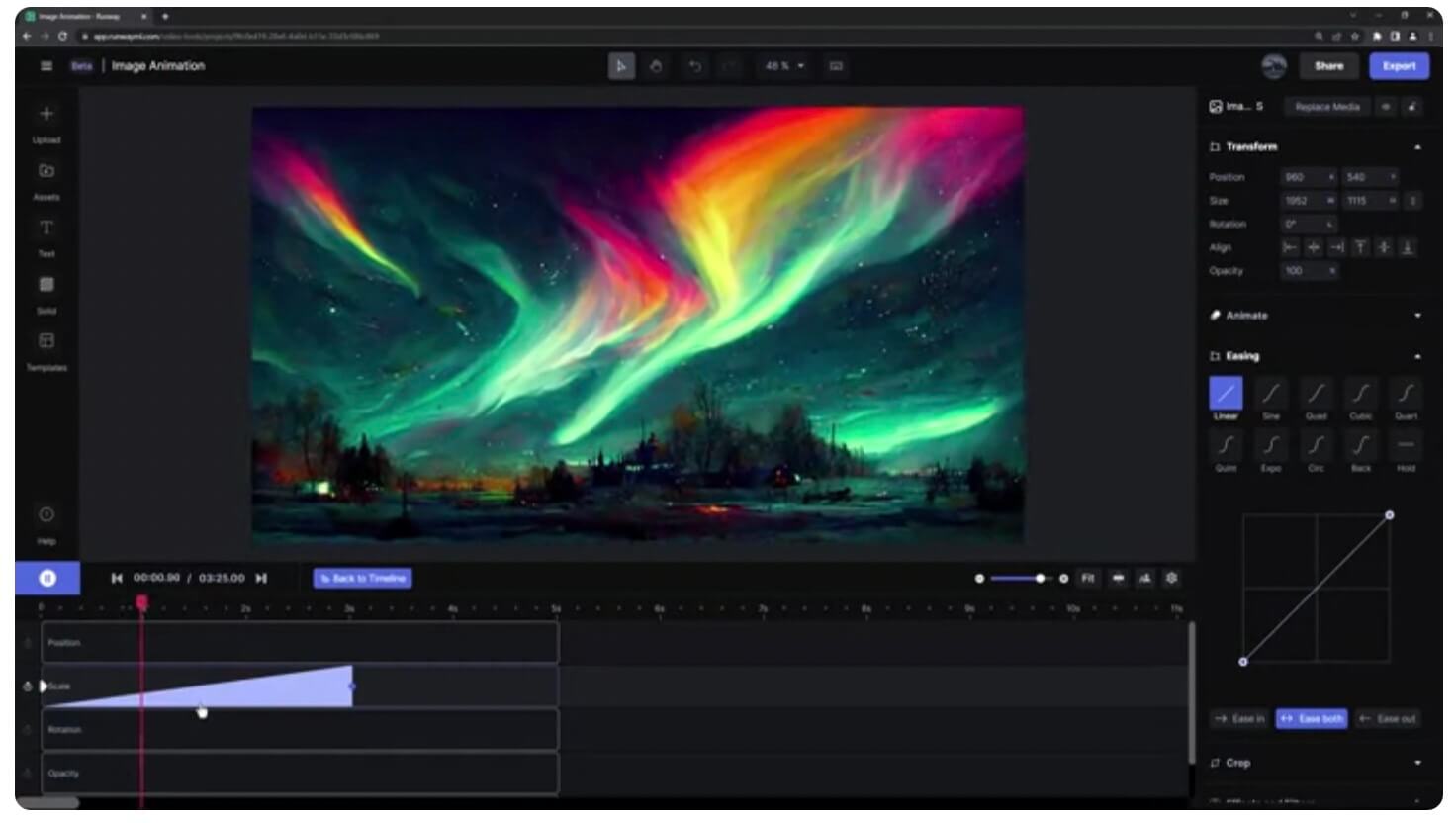
RunwayML is a powerful creative AI platform that provides a range of AI tools and models for various creative tasks, including photo animation. It offers advanced features like motion brush and green screen removal, making it suitable for both beginners and professionals.
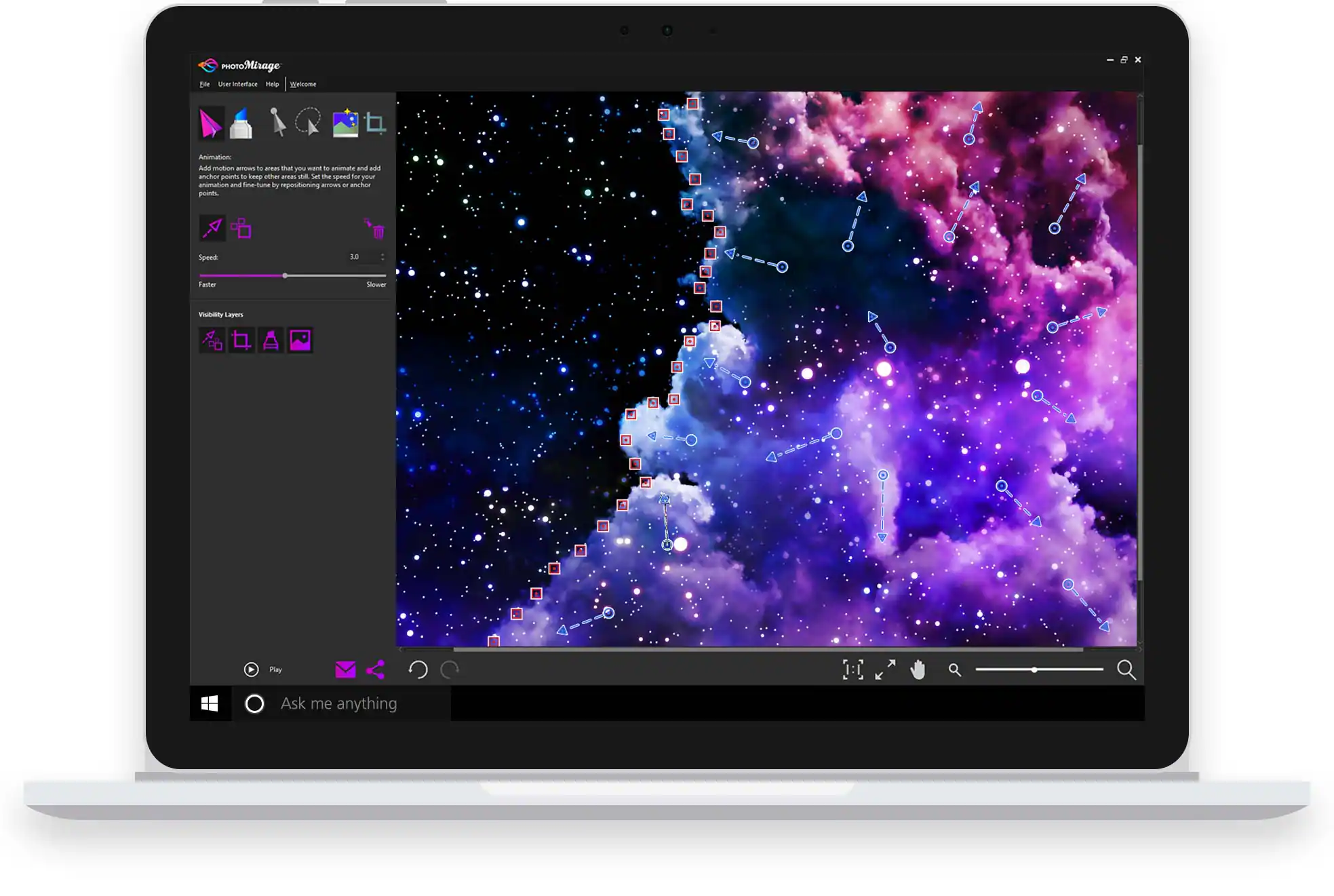
PhotoMirage is an animation software developed by Corel that allows users to transform static photos into dynamic animations using motion arrows and anchor points. This tool gives you precise control over which parts of an image move and which stay still, resulting in a unique blend of motion and stillness.
PhotoVibrance is designed to animate static photos, transforming them into dynamic and visually engaging animations. It offers a variety of tools for adding motion and special effects, with options for both beginners and advanced users.
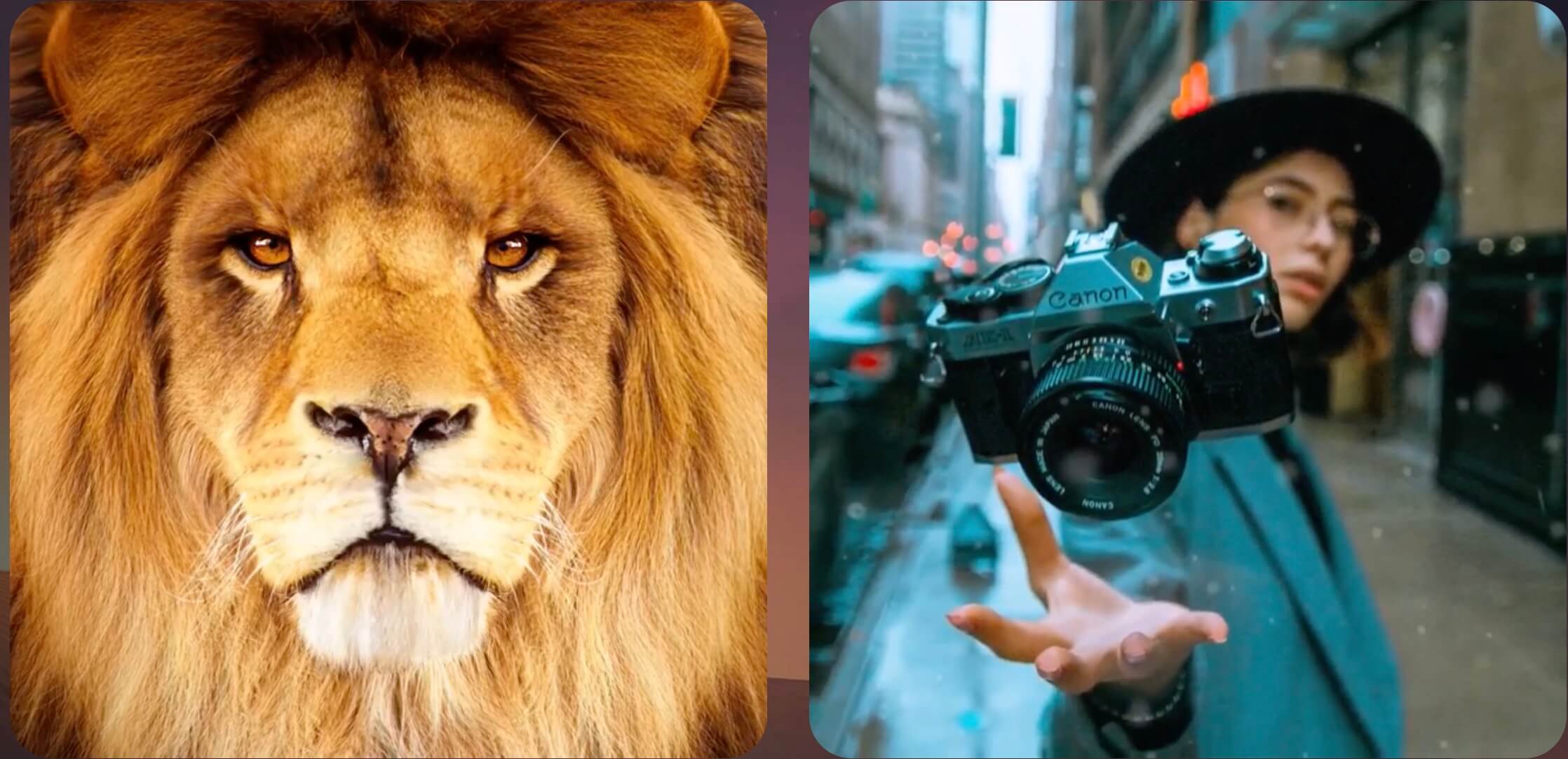
With StoryZ, you can create mesmerizing cinemagraphs and video loops that blend static imagery with animated effects, resulting in stunning double exposure visuals. Available on both iOS and Android.
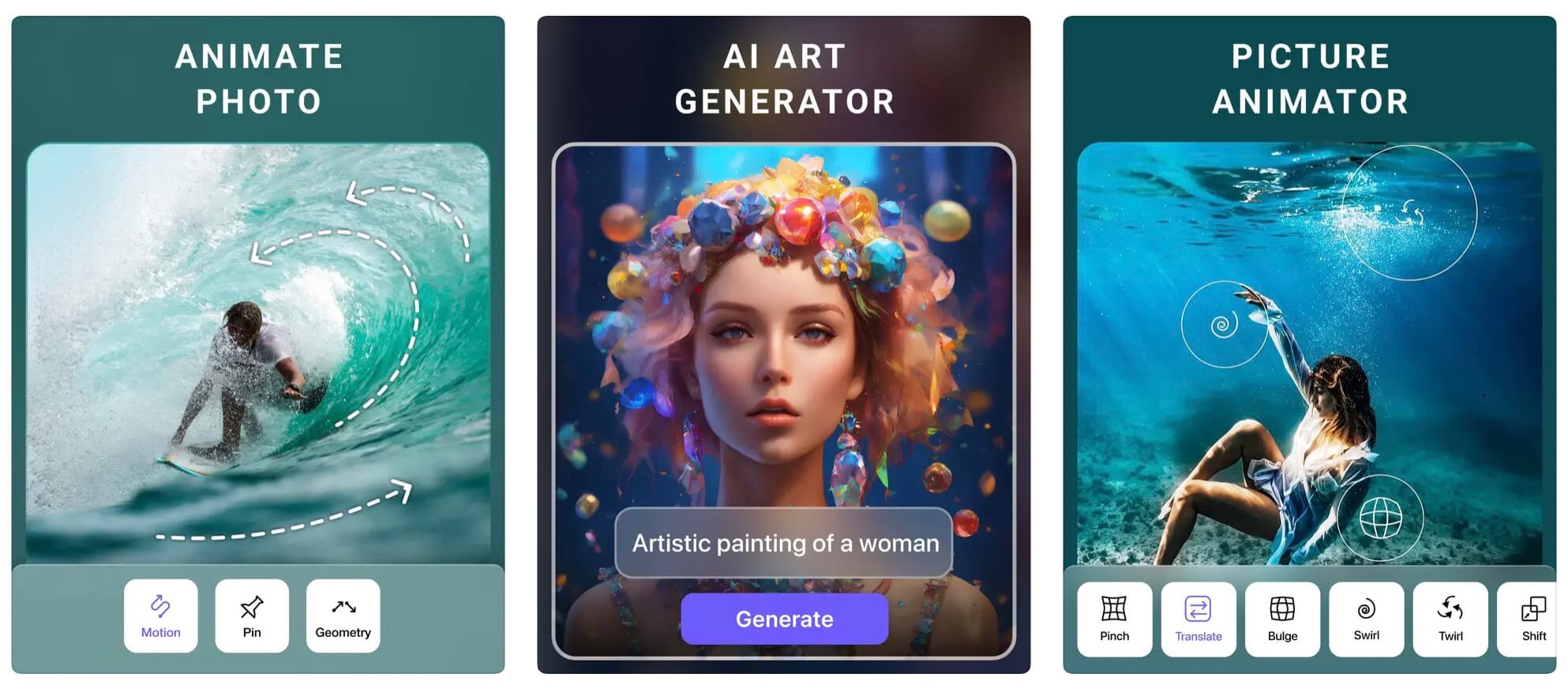
Motionleap, developed by Lightricks, is a powerful mobile app designed to animate photos. It uses AI to identify elements in your photo and add natural-looking motion effects like flowing water, moving clouds, and flickering flames.
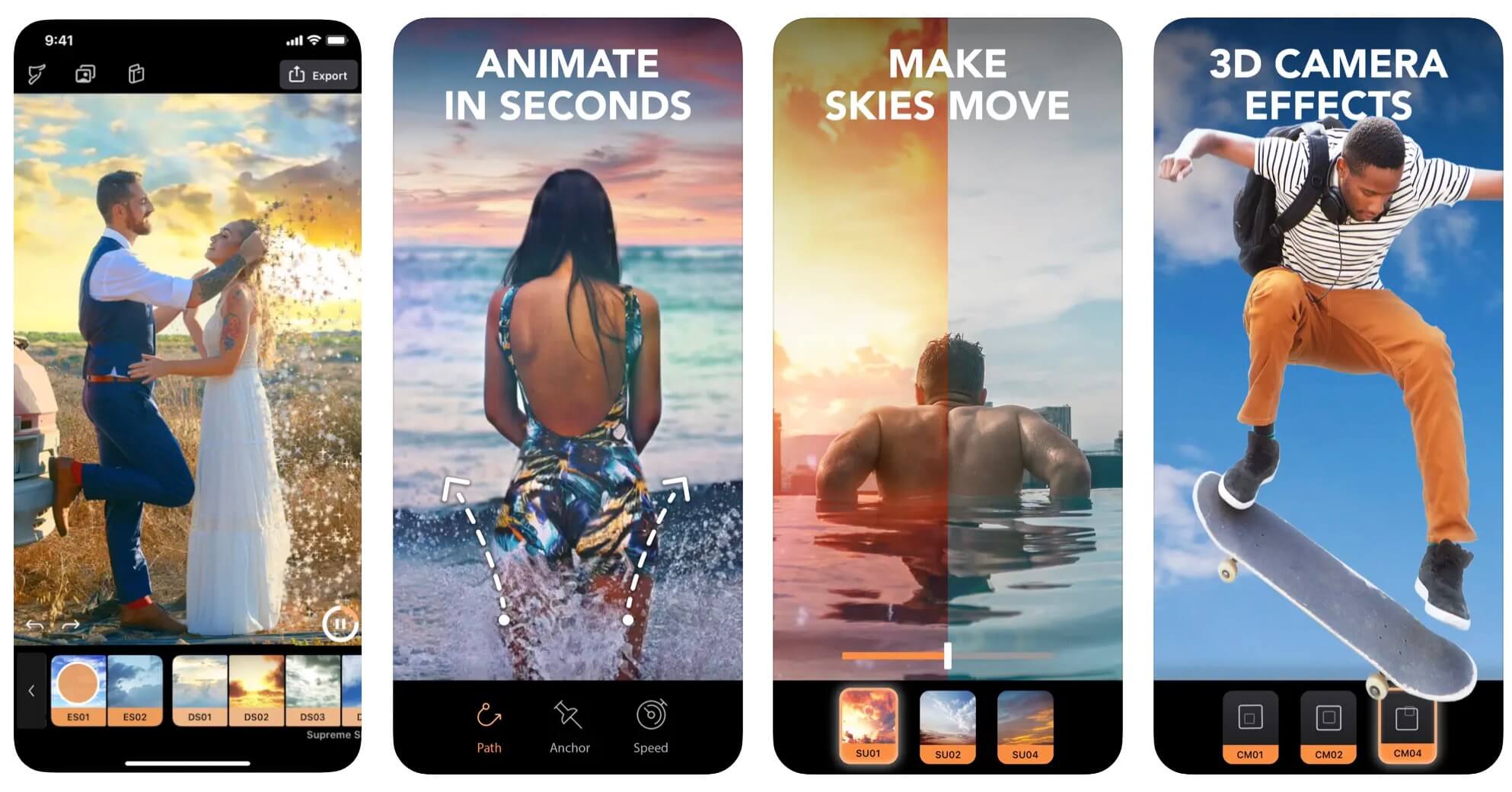
Ready to start animating your pictures? Follow these steps to create stunning animations with different tools:
Before you start animating, it's important to choose the right pictures:
Browse the available animation presets. Animagen offers different styles including circle, zoom, dolly, and perspective effects — select the one that best suits your needs.
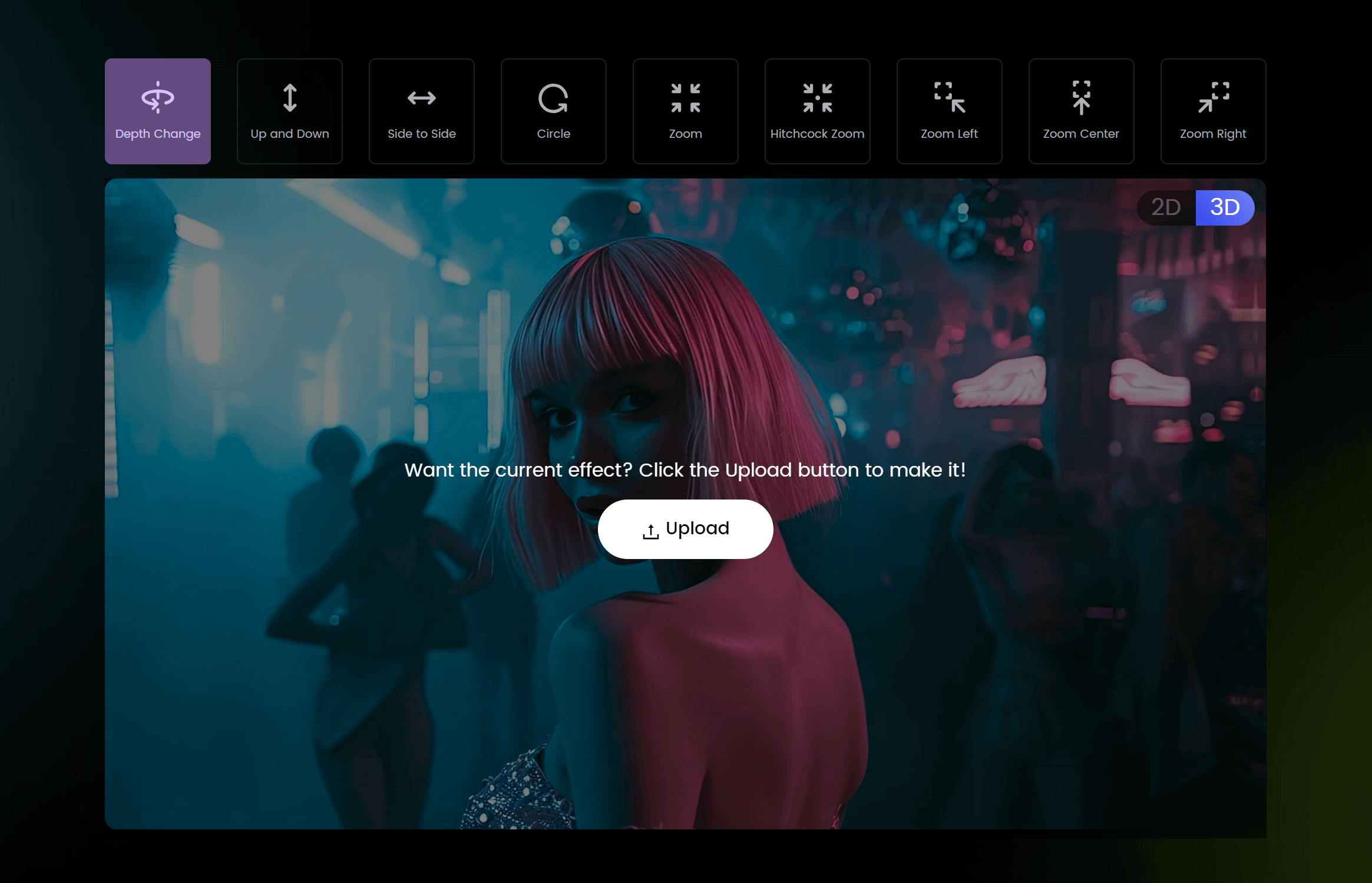
Click the "Upload" button to select the image you want to animate. You can drag and drop the file or browse your computer. Supported formats include PNG, JPG, JPEG, and WEBP (max 2MB).
Once you're satisfied with the result, export the animation. Animagen allows you to download as GIF or MP4 in up to 4K resolution.
Share your animated image on social media or other platforms. The MP4 format works well on Instagram, TikTok, and YouTube, while GIFs are perfect for Twitter and messaging apps.
Download and install PhotoMirage from the Corel website. Open the application after installation.
Click "Open" to import the photo you want to animate.
Use the Anchor tool to place anchor points on parts of the image you want to remain static. These points prevent those areas from moving during animation.
Select the Motion tool and click-drag on the parts you want to animate. The direction and length of the arrows determine the direction and speed of the movement.
Use the Preview button to see your animation. Adjust motion arrows, speed, and easing to perfect the result. Use the Mask tool for finer control.
Export in your desired format (GIF, MP4) and resolution. Save the file to your computer.
Search for "Motionleap" on the App Store (iOS) or Google Play Store (Android).
Tap "+" or "New Project" to import a photo from your gallery.
Use the "Animate" tool to add motion, anchor points to keep parts stationary, the Path tool for directional movement, and the Freeze tool to lock areas.
Tweak the settings to achieve your desired effect.
Enhance with overlays like rain, clouds, or sparkles. Preview, then export as video or GIF.
The best software depends on your needs. Animagen is ideal for quick 3D animations and social media content. PhotoMirage is great for detailed cinemagraph work. RunwayML offers the most advanced AI-powered features for professional use.
With AI-powered tools like Animagen, you can animate a picture in under 30 seconds. More complex animations using desktop software like PhotoMirage may take 15–30 minutes. Professional-grade animations with After Effects can take several hours.
GIFs are short, looping animations of entire frames. Cinemagraphs combine still photography with subtle, isolated motion in specific areas, creating a more artistic and refined effect.
Yes! Several free tools are available. Depthy offers free 3D parallax effects. Canva's free tier includes basic animation features. Animagen offers a low-cost trial at $1 per image with no subscription required.
Animating pictures is a fun and creative way to bring your images to life. With the right tools and techniques, you can create stunning animations that captivate your audience — whether you're using an online AI tool like Animagen for quick results, desktop software like PhotoMirage for precise control, or mobile apps like Motionleap for on-the-go creativity. Start with high-quality images, keep your animations subtle, and always optimize for your target platform.
Transform any 2D image into a stunning 3D animation in seconds. No design skills required. Export as GIF or MP4 up to 4K.