Animated Wallpaper Generator
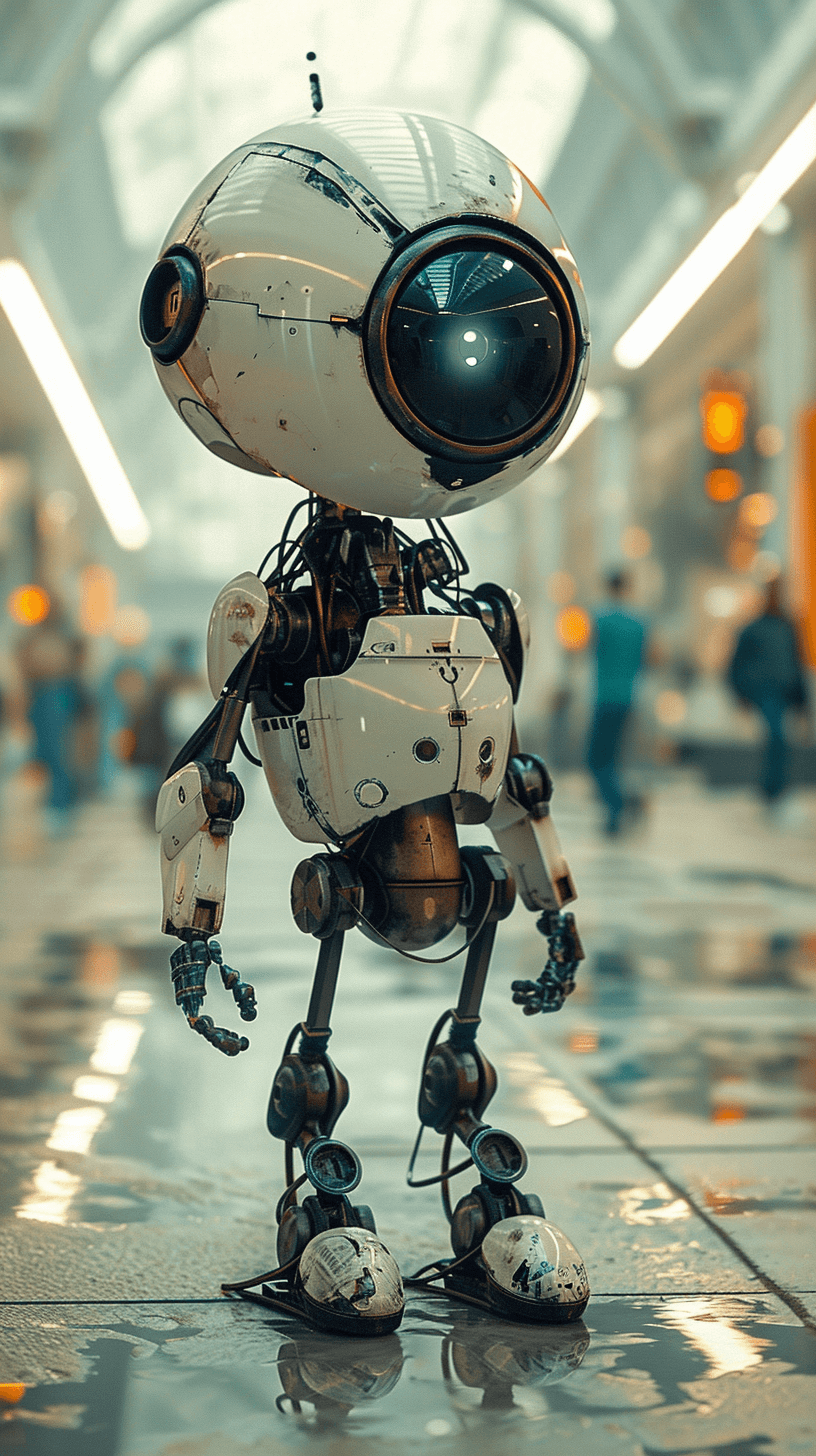
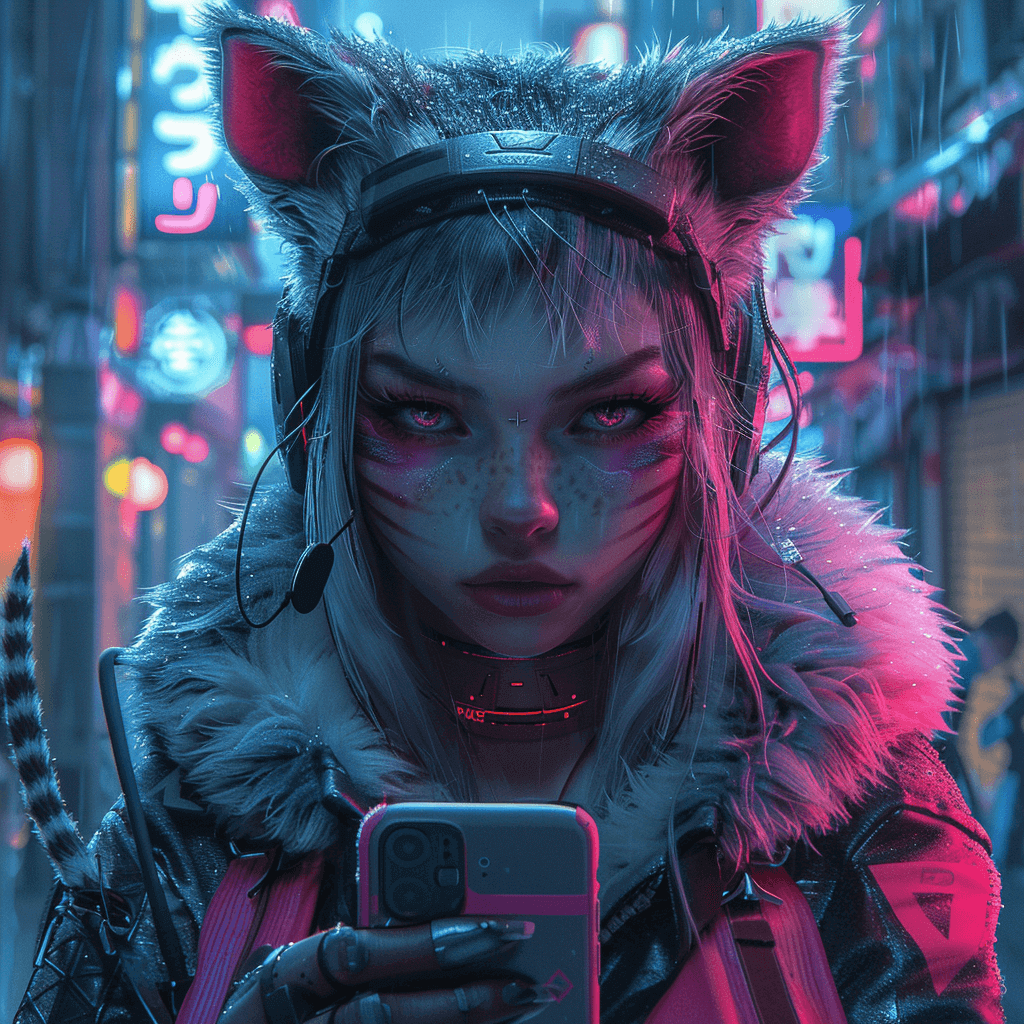
Transform any image you love -- whether it's downloaded from the web, your own photography, or even AI-generated art (like from Midjourney) -- into a dynamic, looping 3D video with just one click. Create personalized animated wallpapers that are uniquely yours.
Get StartedSteps to Use Animated Wallpaper Maker
Select from Preset Effects
Select from a library of stunning dynamic effects, each designed to mimic professional camera movements for a cinematic feel.
Upload Your Static Images
Choose any image (jpg, png, webp) from your device -- a favorite photo, a cool design, anything goes!
Generate 3D Animated Wallpapers
Watch as Animagen instantly transforms your 2D image into a mesmerizing glasses-free 3D animation, adding depth and intrigue. Then download the results as MP4 formats to set it into a wallpaper for PC and phone.
Why Choose Animagen Animated Wallpaper Creator
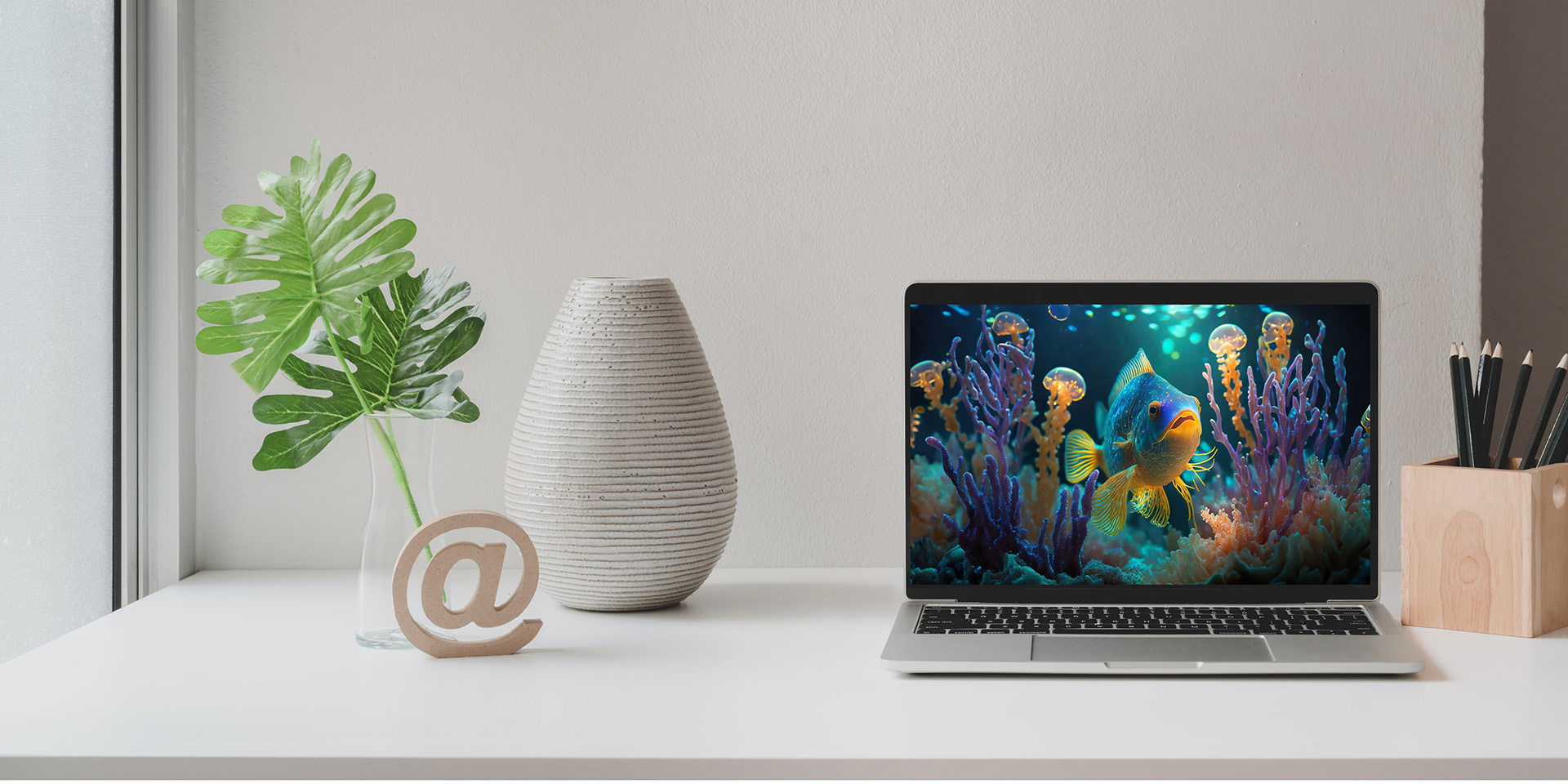
3D Cinematic Depth
We don't just add motion, we create a sense of depth that makes your wallpapers pop. It's like turning your screen into a window! Our effects are inspired by professional filmmaking techniques, so you get smooth pans, zooms, and transitions that feel polished and engaging.
Effortless Simplicity
No complicated software or steep learning curve. Animagen works right in your browser, making it easy for anyone to create stunning results.
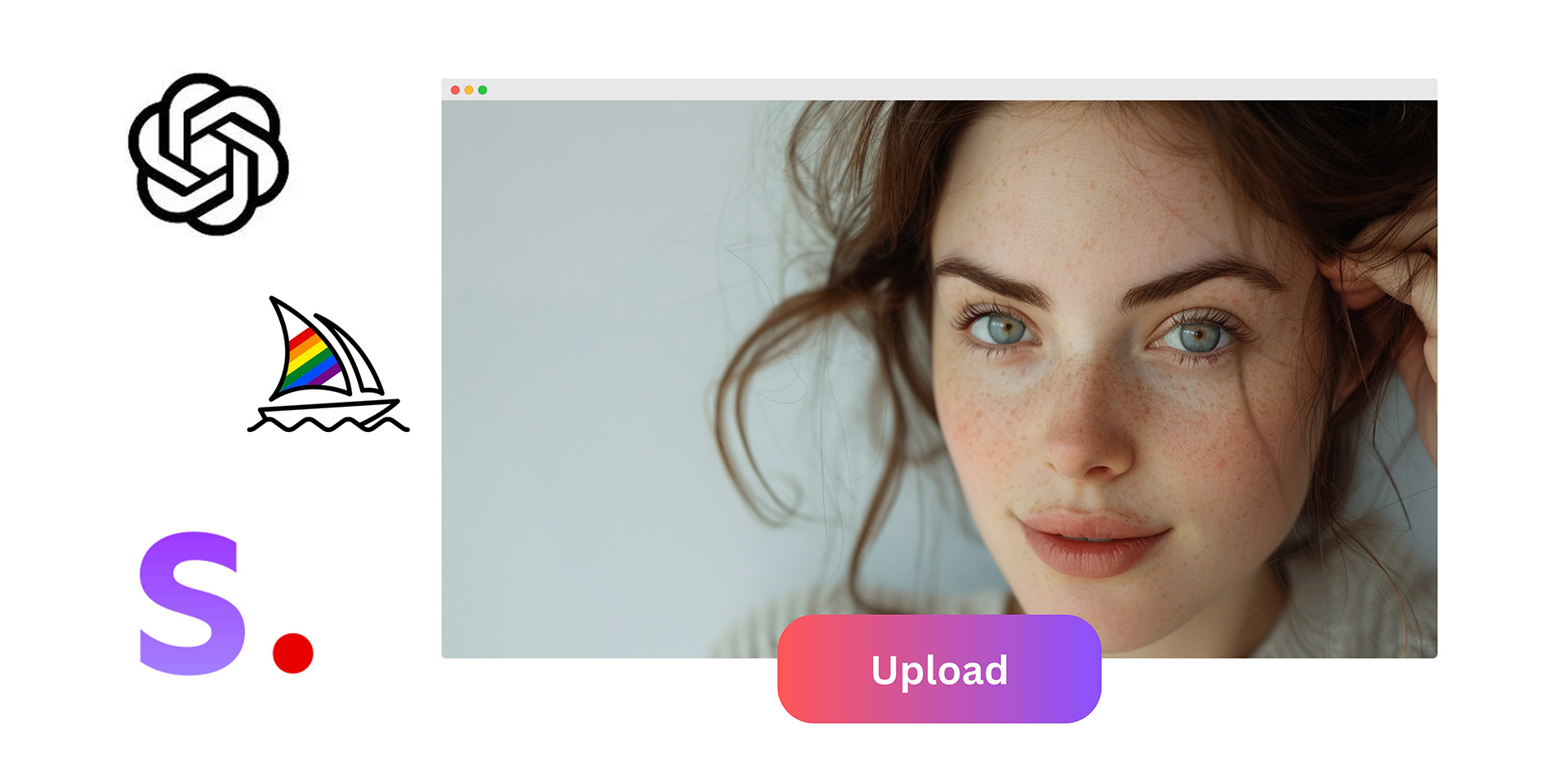
Your Vision, Amplified
We believe in creative freedom. Use your own photos, downloaded artwork, or even AI-generated images -- the possibilities are endless.
FAQs About Animagen Animated Screensaver Generator
While Animagen accepts various image sizes, we recommend using images that are at least 1080 pixels wide for optimal clarity and detail in your animated wallpapers.
Pro Tip: Consider where you'll be using your animation:
1. Desktop Wallpapers: Aim for images close to your monitor's resolution (e.g., 1920x1080, 2560x1440)
2. Phone Wallpapers: A 9:16 aspect ratio is ideal for most modern phones. This ensures your animation fills the screen without cropping.
If your image is smaller, don't worry! Animagen will still process it, but you might experience some slight quality reduction.
We offer two payment modes to suit your needs better:
1. One-Time Purchase: Animagen's "Pay as You Go" option is perfect for those who need occasional or project-based animation services. This plan allows you to pay only for what you use and can be combined with a Monthly Plan if additional resources are needed. Once you complete the payment, the credits are immediately added to your account.
2. Subscription: Animagen's "Monthly Plan" option is ideal for users who prefer a consistent subscription. However, any unused balance at the end of the month does not roll over to the next month. You can cancel the subscription at any time.
For more info, please check our pricing page.
Let's Convert 2D Pictures into Eye-Catching 3D Animations
with No Effort
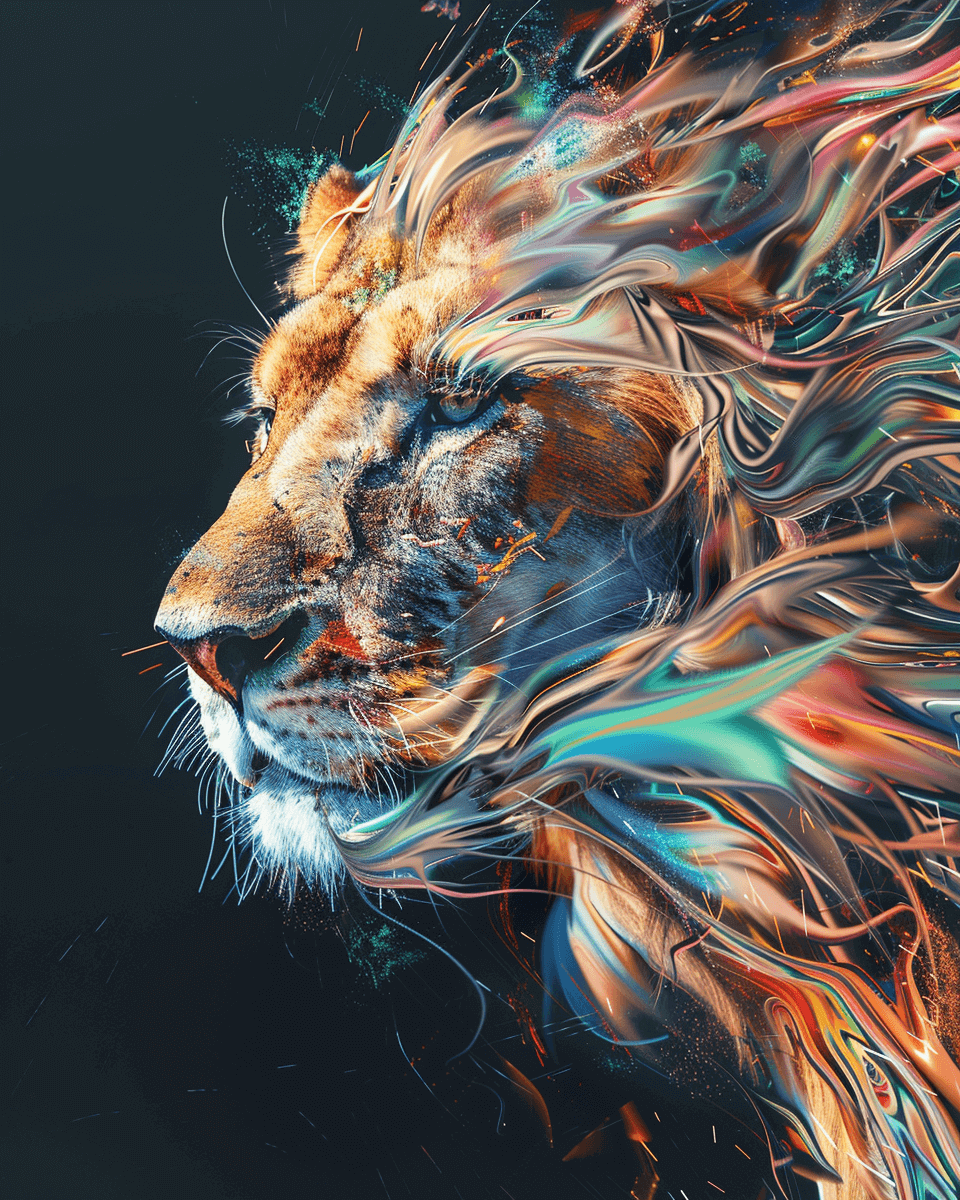
Ready to Bring Your Images to Life?
Upload your photo and create stunning 3D animations in seconds. No skills required.
Get Started